


The DDKT Summary Report section stores all AI-generated summary reports created from your audience analyses. Each report includes a core summary, strategic directions, and actionable recommendations. Reports can be downloaded as editable PPTX files or shared via a shareable link.
1. Accessing the Summary Report Section #
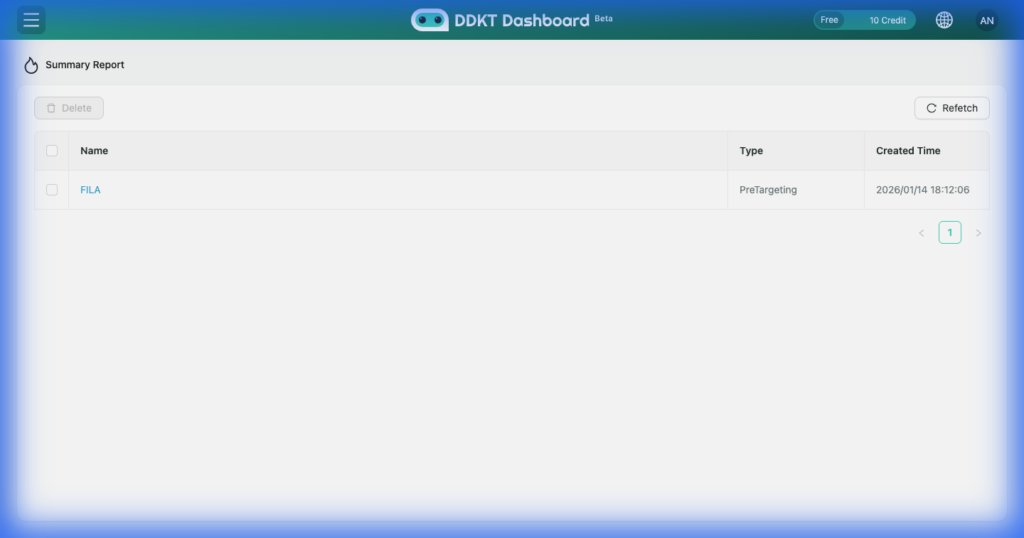
Click “Summary Report” in the left sidebar to view a list of all your generated summary reports. Each entry displays the report title and creation date. Click any report to open and review its full contents.
2. What the Summary Report Contains #
Each AI-generated summary report includes the following sections:

3. Download the Report as PPTX #
Click the download button on the Summary Report page to export the report as an editable PowerPoint (PPTX) file. This allows you to customize and present the insights directly to your team or clients.
4. Share the Summary Report #
Click the share button to generate a shareable link. Recipients can view the report without needing a DDKT account.


