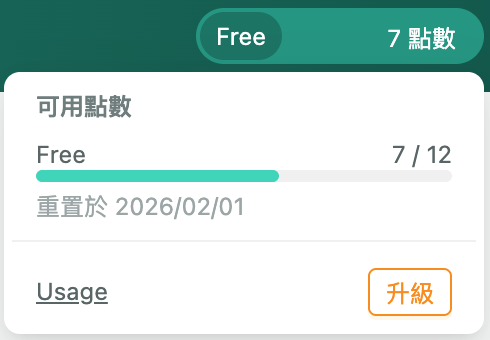
The DDKT Explore feature uses AI to generate detailed audience insight reports based on a text description of your product, service, or brand. Each analysis takes 5–15 minutes to complete and consumes one Credit. Results can be viewed in the History section once ready.
Step 1: Go to the Explore Page #
Visit insight.ghtinc.com and click “Explore” in the left sidebar to open the audience analysis input page.

Step 2: Describe Your Target Audience #
In the “Target Audience” input field, enter a clear description of your product, service, or brand. Examples:
- “Premium coffee shop customers”
- “Beauty and cosmetics products, competitors: Lancôme, Estée Lauder, SK-II, Kiehl’s”
- “Gentleman leather shoes, oxford shoes, loafers, casual shoes, work shoes, boots”
Step 3: Submit and Start the Analysis #
Click the circular submit button (arrow icon) in the bottom right corner. The analysis will run in the background — you do not need to stay on this page. Each analysis consumes one Credit. Once complete, results will appear in the History section.