


New users can create a DDKT account directly from the login page. The registration process requires email verification via a one-time code (OTP) and setting a password that meets security requirements. Upon completion, you will be automatically logged in and redirected to the Dashboard.
Step 1: Click Sign Up on the Login Page #
On the DDKT login page, click the “Sign Up” button to begin the registration process.
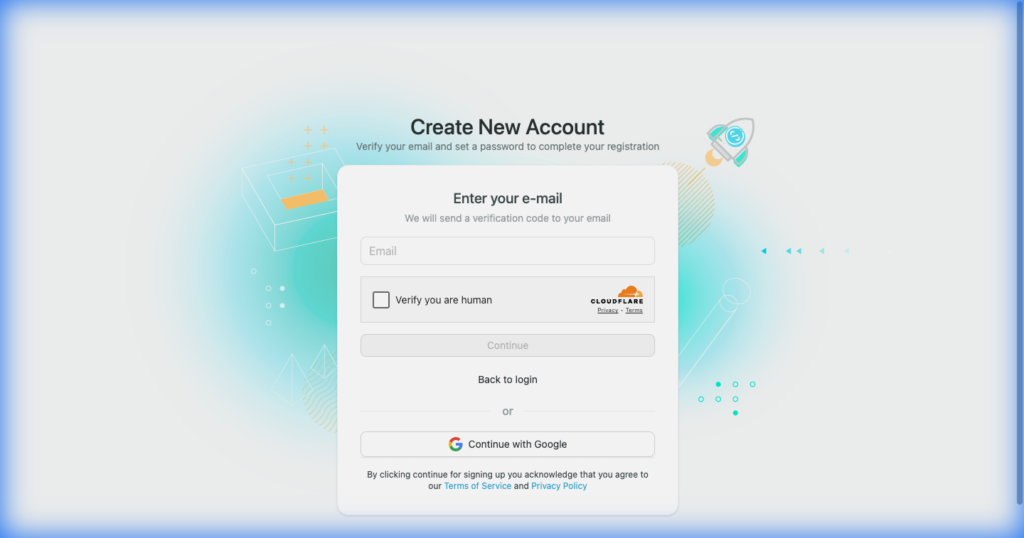
Step 2: Verify Your Email Address #
Enter your email address to receive a one-time verification code (OTP). Check your inbox and enter the code on the Verify OTP page. Note that the resend button has a 60-second cooldown.
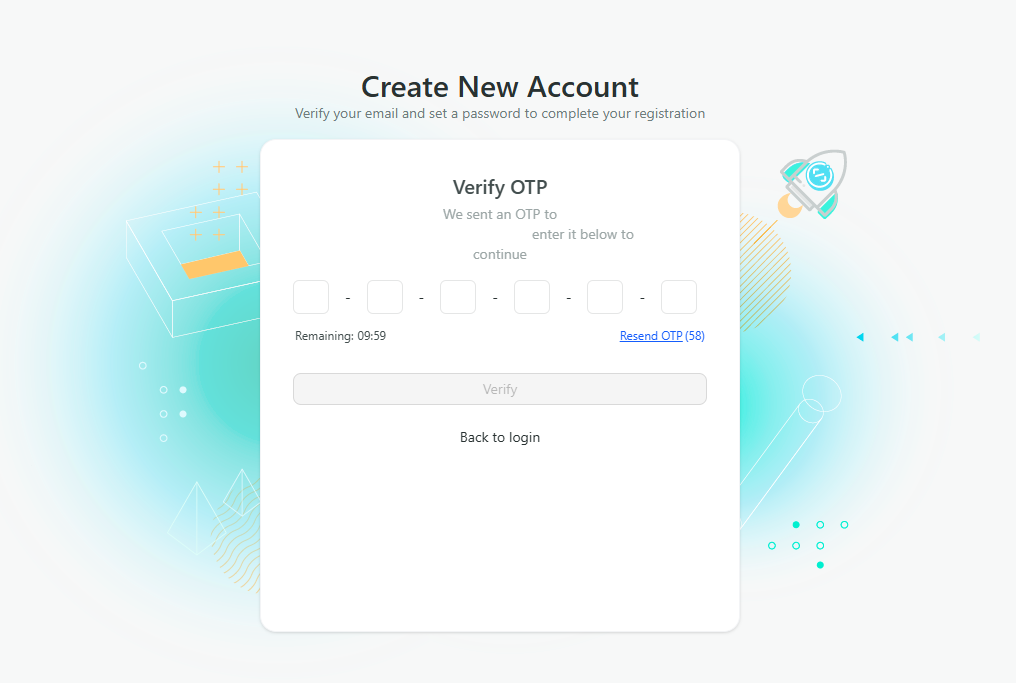
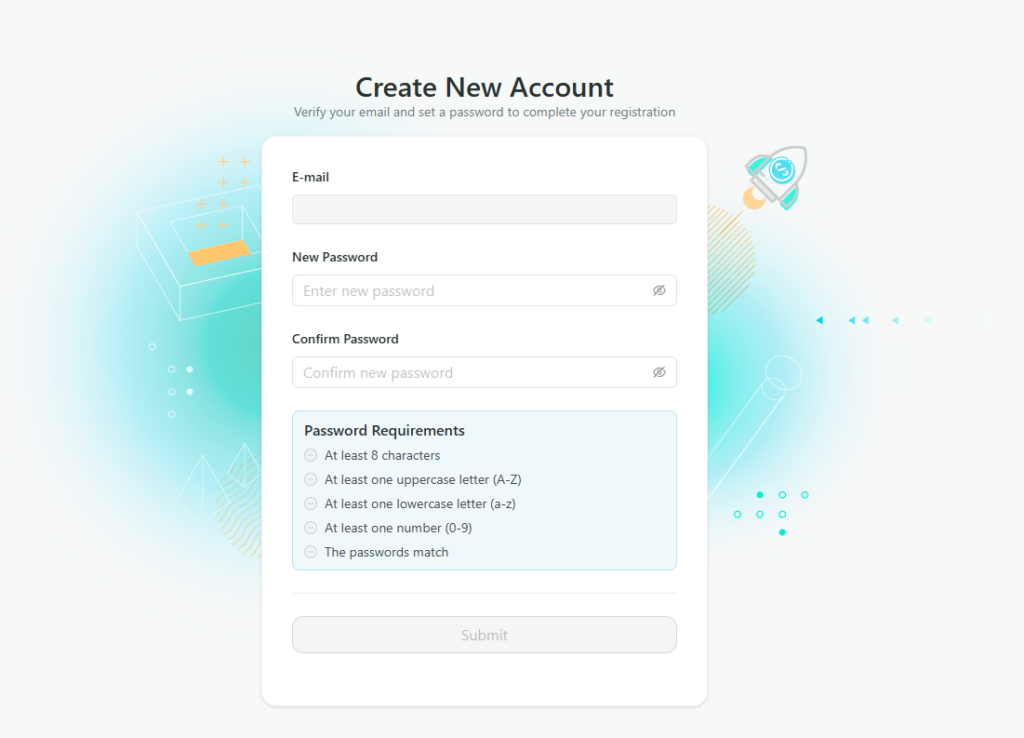
Step 3: Set Your Password #
Create a password that meets the following requirements:
- At least 8 characters
- At least one uppercase letter
- At least one lowercase letter
- At least one number
Step 4: Registration Complete #
After successfully setting your password, the system will automatically log you in and redirect you to the DDKT Dashboard.


