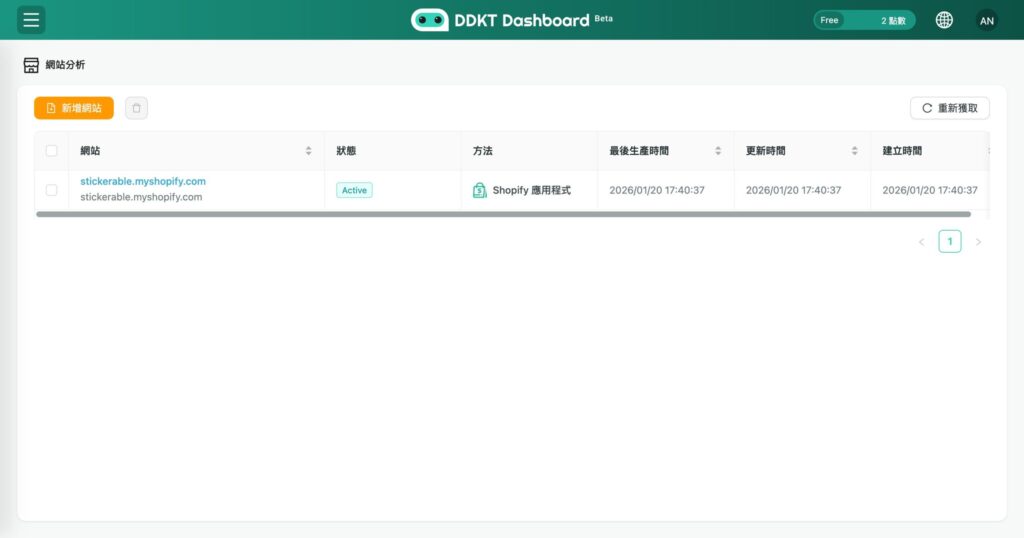
DDKT Website Tracking allows you to monitor visitor behavior on your website by installing a tracking code. The setup supports WordPress, Shopify, Cyberbiz, and any custom HTML website. Each new website analysis consumes one Credit and takes 5 to 15 minutes to complete.
Step 1: Add Your Website #
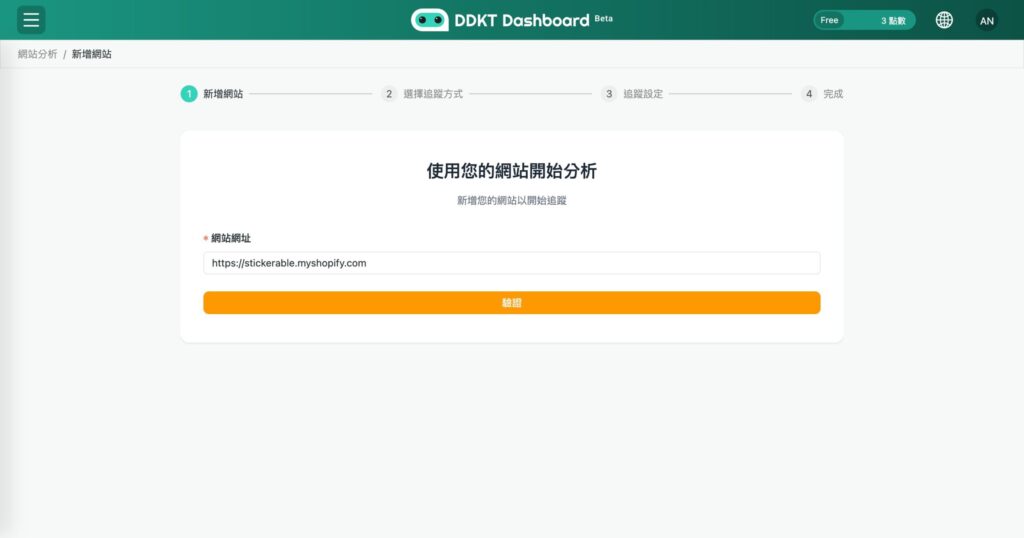
Click “Website” in the left sidebar, then enter your website URL in the input field and click Add to register your site for tracking.
Step 2: Select Your Tracking Method #
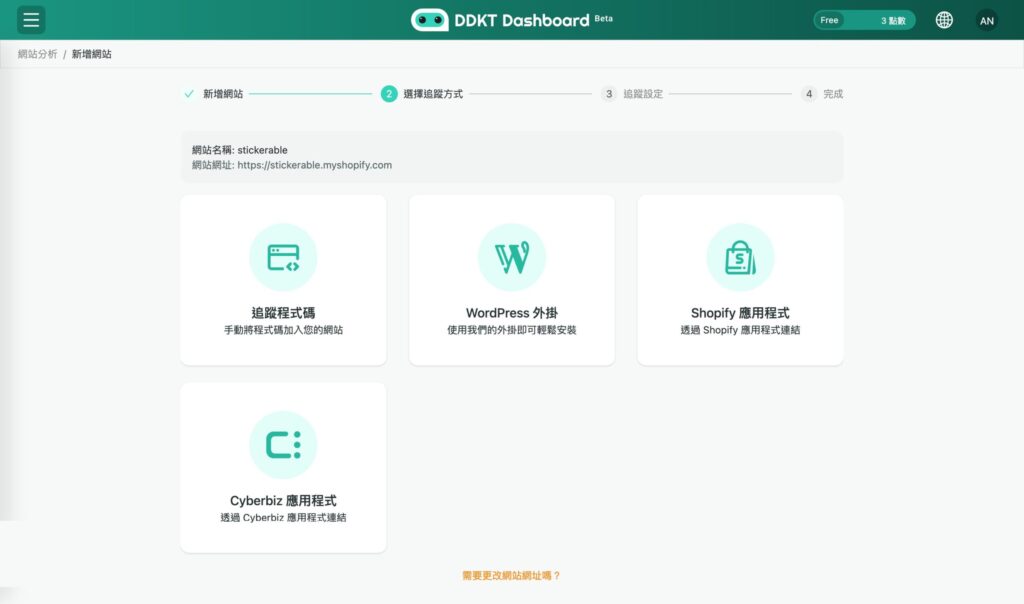
Choose a tracking method based on your website platform:
Step 3: Install the Tracking Code Manually #
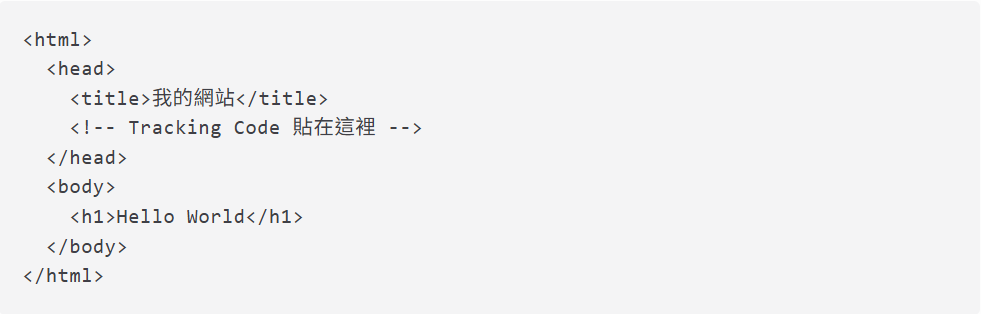
If your website is not WordPress, Shopify, or Cyberbiz, click “Tracking Code” to copy the code, then paste it inside the head section of your website’s HTML, just before the closing tag. Example:
Step 4: Verify and Complete Setup #
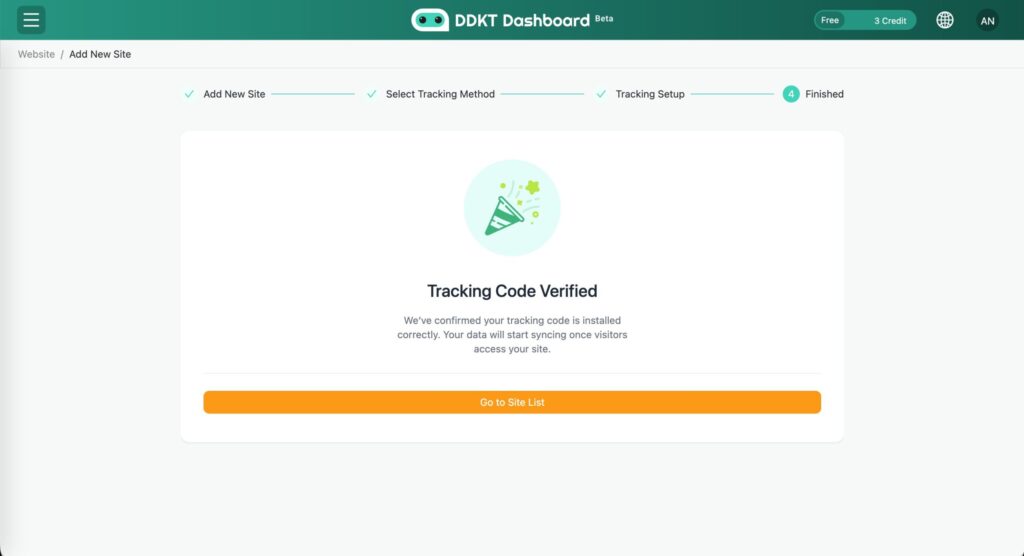
Follow the on-screen steps to verify that data is being collected successfully. Once verified, click “Go to Site List” to view your registered websites and access their analysis reports. Upon creation, the system will immediately perform an initial analysis, which consumes one Credit. A complete analysis typically takes 5 to 15 minutes to finish. You do not need to remain on this page while the process is running.